
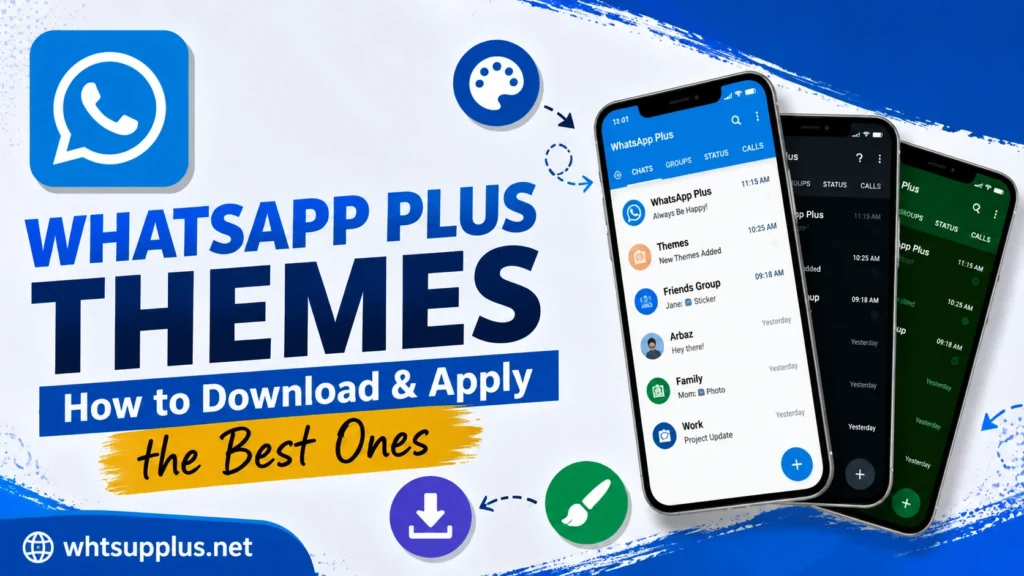
WhatsApp Plus themes transform your entire messaging app in seconds, and the built-in library holds thousands of free designs. Colors, chat bubbles, icons, and backgrounds all change together with a single tap. This guide shows you how to browse, download, and apply the best themes in 2026, plus fixes for every common theme problem.
The official WhatsApp still offers only light mode and dark mode after all these years. The mod turns that limitation into total creative freedom. Follow the steps below, and your chats will never look boring again.
Quick Answer
Open WhatsApp Plus, tap the three-dot menu, select Plus Settings, and enter the Themes section. Browse the built-in theme library, tap any design you like, and press Apply. The theme installs instantly with no restart or extra download app required.
What Are WhatsApp Plus Themes?
Themes are complete visual packages that restyle every screen of the app at once. Each design changes the color scheme, chat bubbles, icons, fonts, and background elements together. The result feels like a brand-new app while every feature stays exactly where you know it.
The theme library lives inside the app with thousands of community-created designs. Categories cover every taste, from minimal dark styles to bright colorful layouts. New designs join the collection regularly through updates.
How to Browse the Theme Library
The built-in store makes discovery simple even for first-time users. Follow these steps to explore the full collection.
- Open WhatsApp Plus on your phone
- Tap the three-dot menu in the top corner
- Select Plus Settings from the list
- Open the Themes section
- Tap Download Themes to enter the library
- Scroll the collection or use the search bar for specific styles
Preview images show every theme before you commit. Sorting options arrange designs by popularity, date, or name for faster hunting.
How to Apply a Theme Step by Step
Installation takes seconds once you find your favorite design. The process below works identically for every theme in the library.
- Tap the theme you want from the library list
- Check the full preview screens for every app section
- Press the Apply button under the preview
- Wait two or three seconds for the instant installation
- Return to your chats and enjoy the new look
No restart interrupts the process on current builds. The entire app transforms the moment the apply action completes.
Best Theme Categories in 2026
Dark Themes
Dark themes dominate the popularity charts for comfort and battery savings. Deep black designs reduce eye strain during night chatting sessions. OLED phone owners also gain real battery life from true black backgrounds.
iPhone Style Themes
iPhone style themes recreate the iOS look on any Android phone. Chat bubbles, icons, and colors mirror the Apple design language closely. These designs rank among the most downloaded in the entire library.
Minimal Themes
Minimal themes strip visual noise for users who value clean simplicity. Soft colors and simple bubbles keep the focus on conversations. Professionals often prefer these designs for work-related chats.
Colorful Themes
Colorful themes bring bold gradients and vibrant palettes to every screen. Pink, purple, gold, and blue collections offer endless personality options. Young users drive the constant demand for fresh colorful designs.
How to Create Your Own Theme
The app includes a full theme editor for personal creations. Open Plus Settings, choose the customization section, and adjust every element manually. Colors, fonts, bubble styles, and backgrounds all accept individual changes.
Saved custom themes export as files you can share with friends. The export option also protects your design before app updates or phone changes. Many library themes started as personal creations from regular users.
How to Save and Restore Themes
Theme backups prevent losing your setup during phone changes. The table below covers every management action you need.
| Action | Where to Find It |
|---|---|
| Save Current Theme | Themes section, Save option |
| Export Theme File | Theme editor, Export button |
| Import Theme File | Themes section, Load from storage |
| Reset to Default | Themes section, Restore default |
| Backup All Settings | Plus Settings, Backup section |
Exported files store safely in your phone storage or cloud drive. A restored theme applies exactly as it looked before the backup.
Fix Common Theme Problems
Theme Not Applying
A full cache blocks theme installation on some devices. Clear the app cache from your phone settings and retry the apply action. The fix resolves nearly every stuck theme report.
App Lag After Heavy Themes
Complex animated designs strain older phones noticeably. Switch to a lighter theme, and performance returns immediately. The v18.80 build also improved heavy theme handling significantly.
Themes Disappeared After Update
Updates occasionally reset visuals to the default look. Reapply your saved theme from the Themes section in seconds. An exported backup file guarantees recovery even after full reinstalls.
Library Not Loading
A weak connection stops the theme store from populating. Check your internet, then reopen the library section fresh. Server maintenance occasionally pauses downloads for short periods too.
Do Themes Affect Safety or Bans?
Themes operate entirely on your device with zero network abuse. No known ban risk connects to theme use in any documented case. The visual layer stays completely separate from the messaging functions.
The standard mod precautions still apply to every user. Download the app itself only from a trusted source like Whtsupplus.net, and keep your version current. Themes then remain the fun and worry-free part of the mod experience.
Final Thoughts
WhatsApp Plus 2026 themes deliver the personality that official WhatsApp refuses to allow. Thousands of free designs wait one tap away, and the editor turns your own ideas into reality. Visual boredom becomes impossible with this library at your fingertips.
Fresh designs arrive with every update, so the collection keeps growing over time. Get the latest build from Whtsupplus.net if your version lacks the full library. Your perfect theme is already waiting in there somewhere.
Frequently Asked Questions
Yes, every theme in the built-in library costs nothing. No premium designs or paid tiers exist anywhere. The theme editor for custom creations is also completely free.
The library holds thousands of designs with regular additions. Exact counts change as creators submit new work. Every category offers hundreds of options at minimum.
Light themes run with zero performance impact on any phone. Heavy animated designs can lag on older devices only. The current build handles most themes smoothly regardless.
Yes, applied themes usually survive the update process intact. A saved or exported backup guarantees recovery if a reset happens. Reapplication takes seconds either way.
Yes, the export option creates a shareable theme file. Friends import the file through their own Themes section. Both phones need WhatsApp Plus for the design to work.